My Agenda
Welcome to your classroom computer! It turns on and joins the
school network all by itself.
Flip the colored tabs → for help.
Logging In
When the blue IBM Classroom screen shows up, press
Enter.
Then type your user ID and password to sign in to the LAN.
Floppy Disk
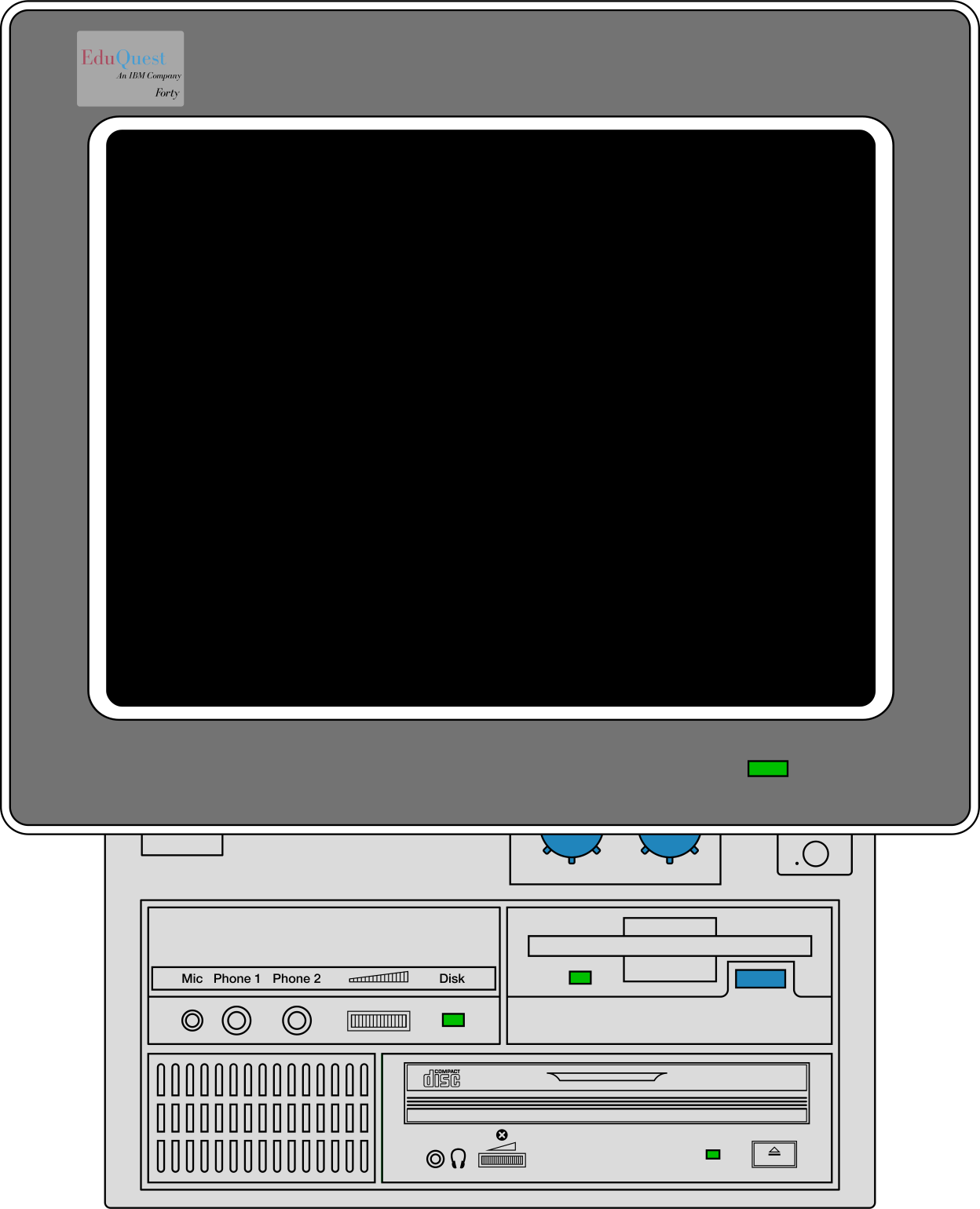
Your disk is drive A:. Click the blue drive button on the
computer to insert, eject, start a blank disk,
or pick one from the catalog.
Your disk is kept safe in this browser for next time.
Screen & Mouse
FULL SCREEN fills your monitor — hold Esc to leave.
TURBO off makes the PC slower for older programs.
The mouse follows your pointer.
Sound
Click SOUND to turn the speaker on or off.
(Your browser keeps sound off until you click it once.)